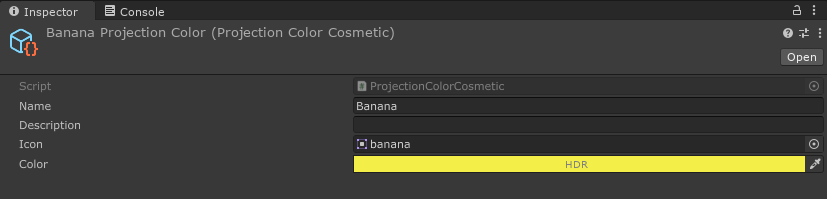
Cosmetic Colors
These are probably the simplest cosmetics you can create. Cosmetic colors apply colors on the armor pieces in locations defined by a zone map.
To create an armor color scheme or projection, right click in the project window, and in the menu go to Create > Void Crew > Cosmetics.
Then select ColorScheme or ProjectionColor.
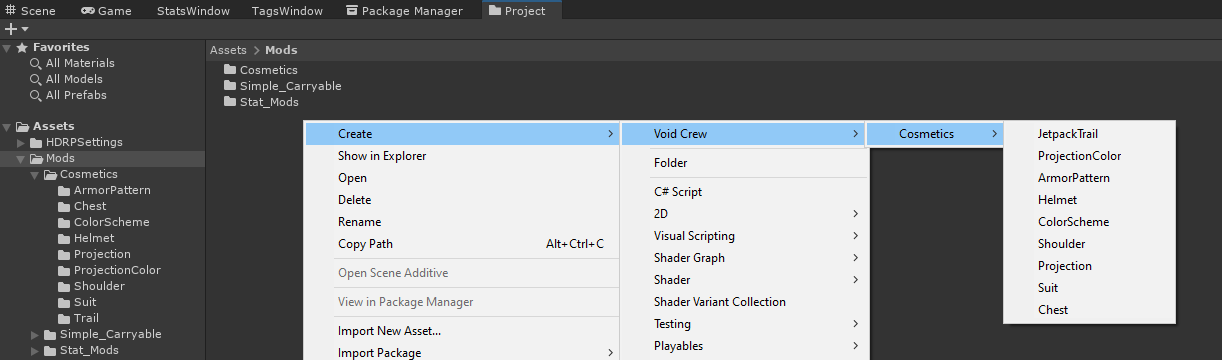
This will create a new cosmetic scriptable object for the chosen type.
Armor Color Scheme
Contains three color fields which get applied to specific parts of armor pieces.
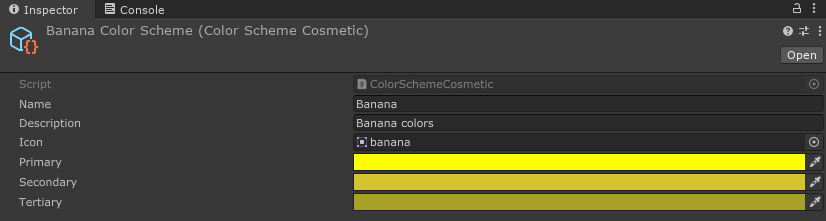
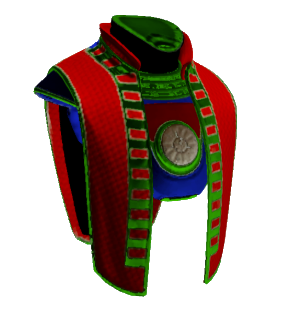
In-game the colors are usually represented in the palette icon in the following order:
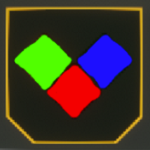
Red- primary (this is where patterns appear too), this usually covers the largest parts of armor cosmeticsGreen- secondaryBlue- tertiary, usually used for embellishments or decorative elements
For example, this is how the Proctorship Vestment’s zones look like:
Projection Colors
Contains one color field which determines the color of the projection. Note that this is an HDR color, which allows you to increase how emissive the color is in post processing.